
Custom Branding
Artwork Guidelines
A production file must explain how a flat design becomes a finished object. Follow the guides for boxes, bags, tissue, tags and textiles, with examples of the mistakes a proof should catch.
Explore the guide ↓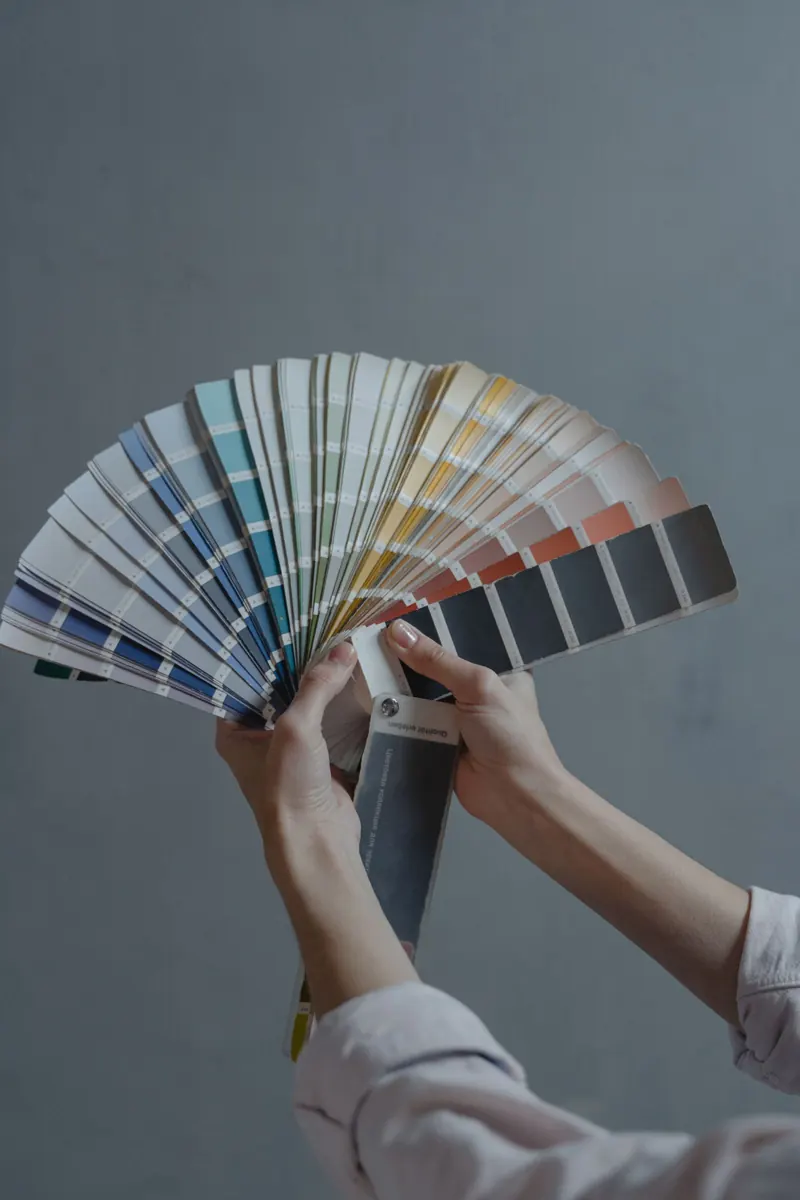
Good artwork communicates construction, color and position precisely enough for a production team to reproduce the intended result.
- Use the dieline to understand the finished object.
- Define colors, placement and technical layers precisely.
- A digital proof and a physical sample answer different questions.
On this page
A dieline is a map of the finished objectGive color and artwork a reproducible definitionBoxes and inserts: design for the fold, not just the panelBags and mailers: check the filled orientationTissue and seals: approve the repeat and the contact surfaceTags and labels: attachments occupy real spacePouches and textile bags: position the mark from a defined edgeBleed, safe area and registration solve different problemsApprove what each proof can actually show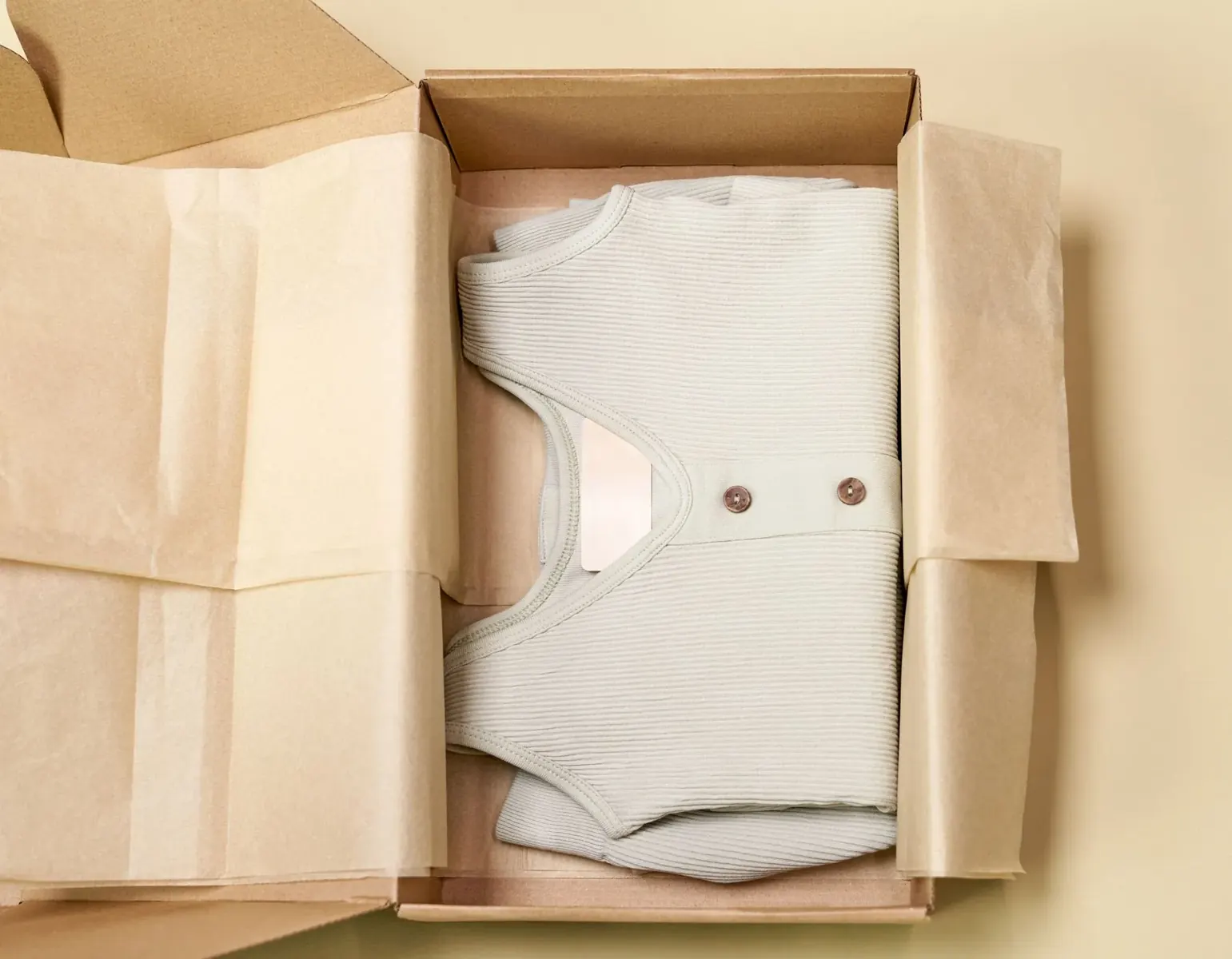 Boxes & insertsView guide →
 Bags & mailersView guide →
 Tissue & sealsView guide →
 Cards & labelsView guide →
 Pouches & textilesView guide →
 Proof & approvalView guide →
01 / 09
A dieline is a map of the finished object
Cut lines define the edge. Creases show where board folds. Glue and seam zones explain where an assembly is joined. A dieline combines these instructions so a flat design can become the intended box or bag. It is not a decorative outline that should appear in the printed artwork.
Use the current drawing for the selected dimensions and construction. Keep technical marks on a separate named layer and supply a visual reference of the assembled item. A template from another box can look similar while placing a fold through the logo or making the closure impossible.
Follow one logo around the assembled box
On a flat drawing, two panels may look adjacent. After folding, one may face inside and the other outside. A folded plain sample with marked panel names can reveal this before the full-color proof.
02 / 09
Give color and artwork a reproducible definition
Vector paths describe shapes mathematically, so a logo can be resized without becoming a grid of visible pixels. A photograph needs enough actual image detail at its final size. A file can contain both. Simply saving a small screenshot as PDF does not turn it into vector artwork.
Specify the agreed spot colors or process-color workflow. Outline production fonts or supply them as the converter requires, while keeping an editable master. Name finish layers separately so foil, embossing and printed ink are not confused.
| Supply | What it communicates |
|---|---|
| Editable artwork and reference PDF | Usable production shapes plus intended appearance |
| Current dieline and units | Dimensions and the approved construction |
| Color names and physical target where needed | Which inks or color result are intended |
| Embedded or supplied image assets | The actual detail available at print size |
| Separate finish and technical layers | Which operation produces each feature |
03 / 09
Boxes and inserts: design for the fold, not just the panel
Important copy needs clearance from cuts and creases because converting has tolerances. A thin border exactly on an edge makes small movement obvious. Text crossing a crease can distort or become difficult to read. A glue flap also needs the specified clear area for a reliable join.
For corrugated board, the surface and print process influence fine detail. Review small reversed text and lines at actual size, not enlarged on a screen. Check inside and outside separately and inspect whether an insert can rub its print onto the product.
A border can make normal movement look like a defect
A narrow frame placed almost against all four cut edges may look uneven after trimming. Moving the design inward or using a less edge-dependent layout can make the finished result more robust. The actual safe area must come from the project dieline.
04 / 09
Bags and mailers: check the filled orientation
A gusset unfolds when a bag is filled. A handle patch occupies space that looked available on the flat sheet. A rear seam can interrupt a pattern. Show front, back, base and side panels in their finished orientation and keep functional areas clear.
Transparent film changes color perception because the contents become part of the background. A white underprint can alter opacity and add another print operation. Required warnings and disposal text also need a readable position on the filled bag.
Center the logo on the visible face
A design centered on the entire flat width can appear off-center once the side gussets fold away. Define the finished visible panel and measure placement from it.
05 / 09
Tissue and seals: approve the repeat and the contact surface
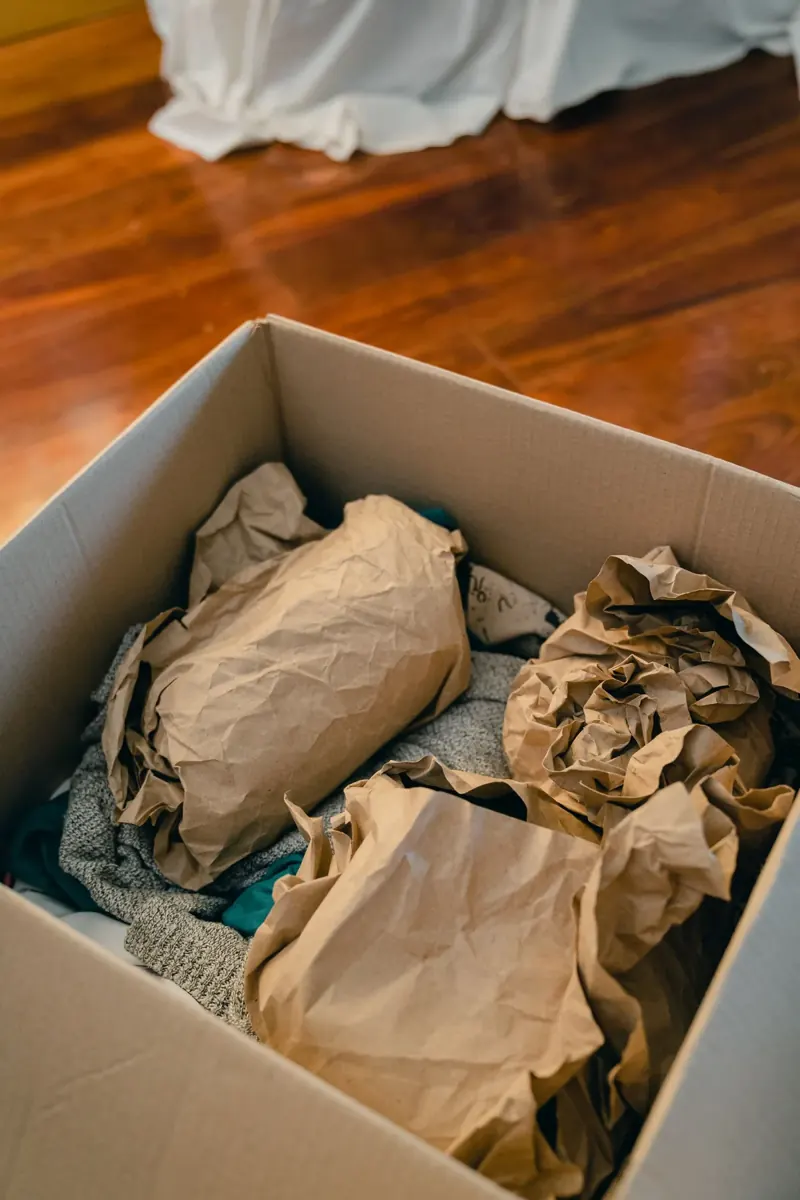
A tissue pattern repeats across a sheet. The repeat size, spacing and direction determine whether it looks intentional when folded around a product. Thin absorbent paper can change line sharpness and ink appearance, so a dense block on a screen is not a complete prediction.
For a seal, the adhesive and receiving surface are part of the design. A sticker that works on smooth coated paper may behave differently on rough kraft or fabric. Check adhesion, removal and any transfer against the actual intended use.
Test the pack-out, not only the loose sheet
Wrap a sample product and apply the seal. Inspect the visible repeat, rub against the product, lifting corners and removal. This connects the printed material with the customer’s opening experience.
06 / 09
Tags and labels: attachments occupy real space
A hole, cord, fold or seam can cover information that appears clear in the digital file. Show attachment zones on the technical layer and define front-to-back orientation. A price or care label is useful only when its text survives assembly and remains readable.
A woven label creates shapes with threads; a printed tag applies ink to a surface. The same tiny artwork may reproduce differently in those processes. Simplify detail where needed and approve the process-specific sample instead of treating the paper mockup as a guarantee.
07 / 09
Pouches and textile bags: position the mark from a defined edge
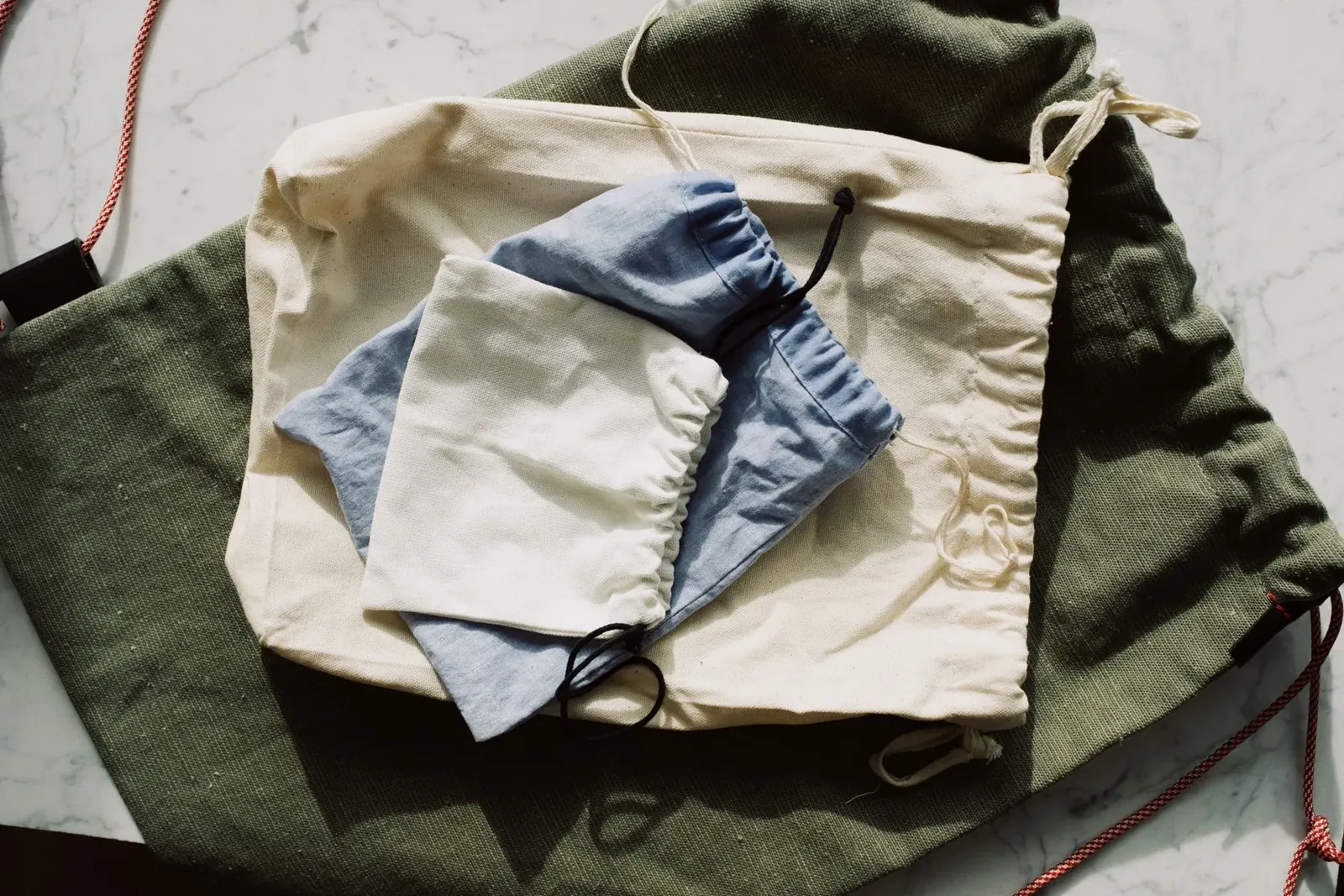
Fabric stretches, seams take up space and drawstring channels change the usable print area. ‘Put the logo in the middle’ leaves room for interpretation. Give measurements from a named finished edge and show the intended orientation.
Select screen print, transfer, embroidery or another suitable route with the actual fabric and quantity. Texture, shade and absorption affect the result. Review rub, flexing and any washing expected in use. A white-paper color sample cannot show how a natural cotton pouch will behave.
A position brief that can be measured
Illustrative brief: center the mark horizontally on the finished front panel, with its upper edge a stated distance below the finished opening. Supply the mark width and the approved production drawing; the actual measurements are agreed for that pouch.
08 / 09
Bleed, safe area and registration solve different problems
Bleed extends background artwork beyond a cut edge so small trimming movement does not expose an unprinted sliver. A safe area moves important content away from that edge. Registration describes how separate colors or operations line up. One value cannot substitute for the other two.
Use the converter’s limits for the specific substrate and method. Small reversed letters, fine multi-color lines and tightly aligned foil need particular review. There is no single millimeter setting that is correct for every corrugated box, film bag and textile.
| Term | Plain meaning | Common design mistake |
|---|---|---|
| Bleed | Background extends beyond the trim | Background ends exactly at the cut |
| Safe area | Important content stays inside the usable region | Text sits on the edge or fold |
| Registration | Separate colors or finishes line up | Tiny text built from several tightly aligned colors |
| Trapping / overprint | Controlled handling of neighboring or overlapping inks | Assuming the screen preview shows every output behavior |
09 / 09
Approve what each proof can actually show
A digital proof is effective for spelling, panel orientation, dimensions and specified colors. It does not reproduce the feel of board, the opacity of film or reflection from foil. A physical sample reveals those features and the assembled construction. Neither should be described as approving things it cannot demonstrate.
Retain one final file revision with the approved sample and any agreed tolerances. If a material or finish changes, review the affected result again. Send Stowliva the artwork, size, quantity per design, intended material and destination so the proof addresses a real production brief.
- 1Approve the construction
- 2Map the artwork to the dieline
- 3Define colors and finishes
- 4Review the digital proof
- 5Inspect the physical sample
- 6Release one named revision
Official and first-party resources · reviewed October 7, 2026
Put the learning into your next pack.
Share your product, material questions and destination with Stowliva.