
Roll label production guide
Custom Roll Labels: 7 Specs to Check Before You Print
A clear logo is only the start. Get the container, adhesive, roll format and artwork working together.
What should you confirm before ordering custom roll labels? Approve the container fit, face material, adhesive, roll format, artwork, barcode and quantity per design. For machine application, have the equipment supplier confirm core size, roll diameter, liner width, label gap and unwind direction. Test the finished label on the real container before releasing production.

A label can look right in a PDF and still wrinkle on a tapered jar, peel in storage or feed backwards through an applicator. Custom roll labels become part of your production process as soon as they meet a container, dispenser, scanner and packing team.
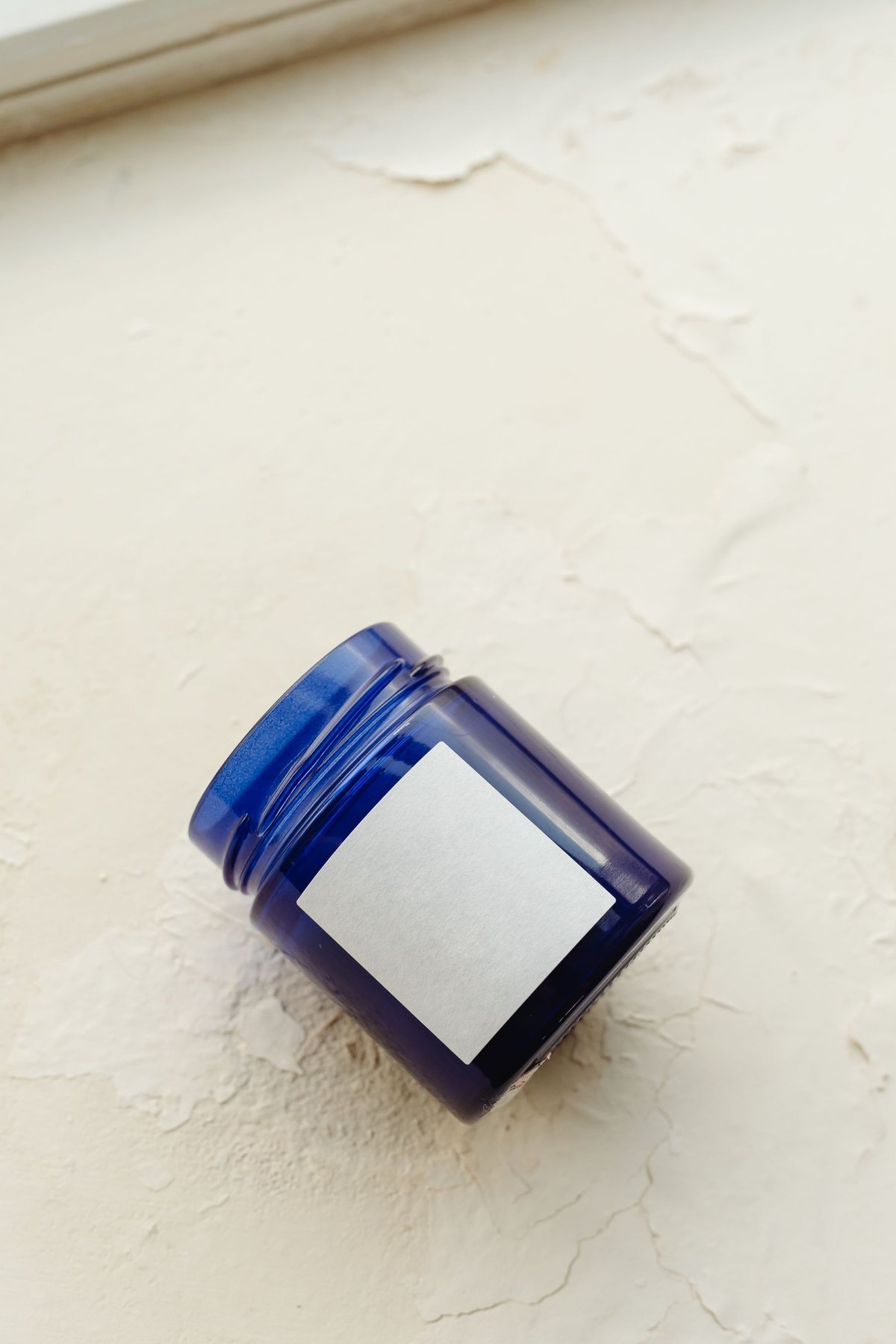
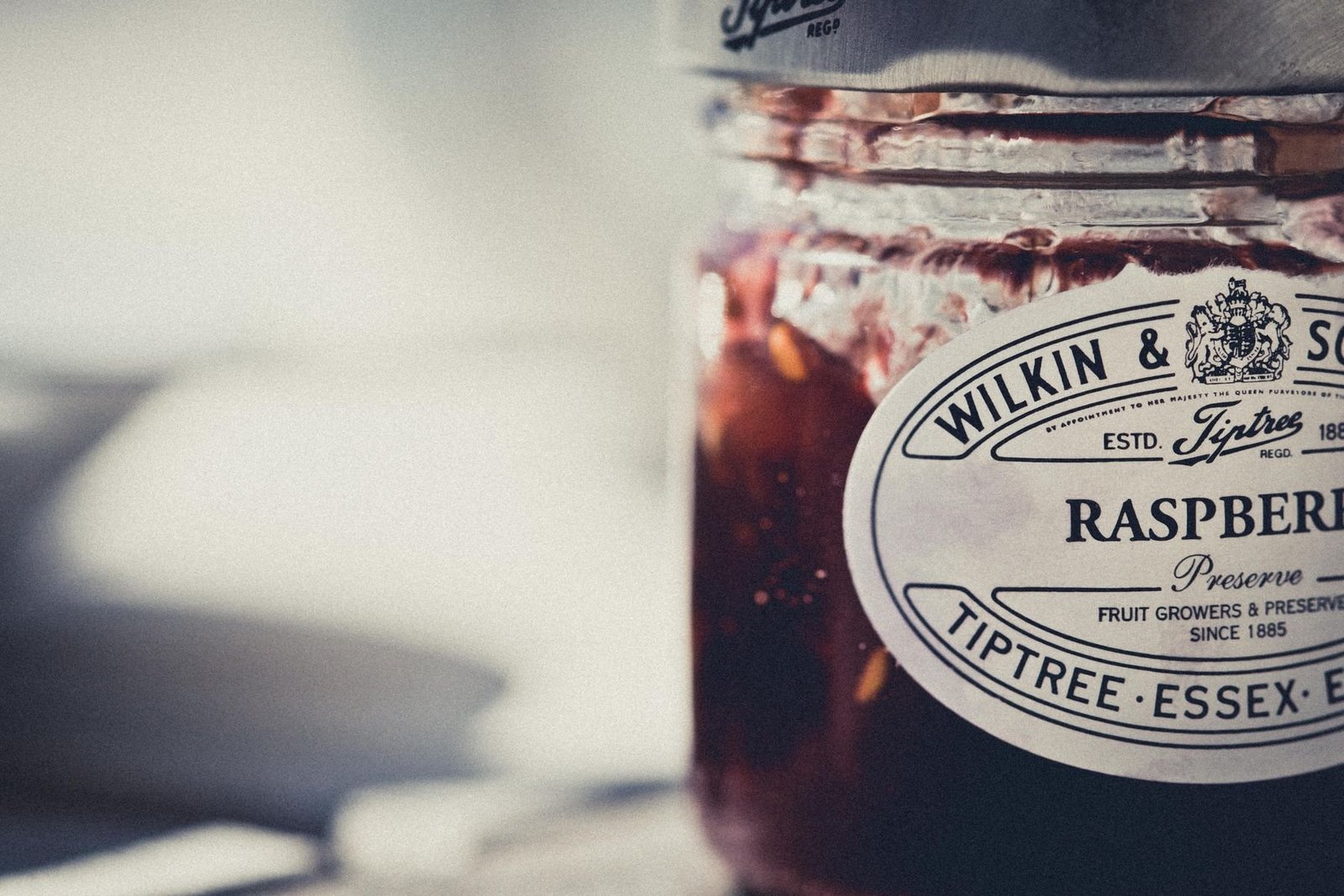
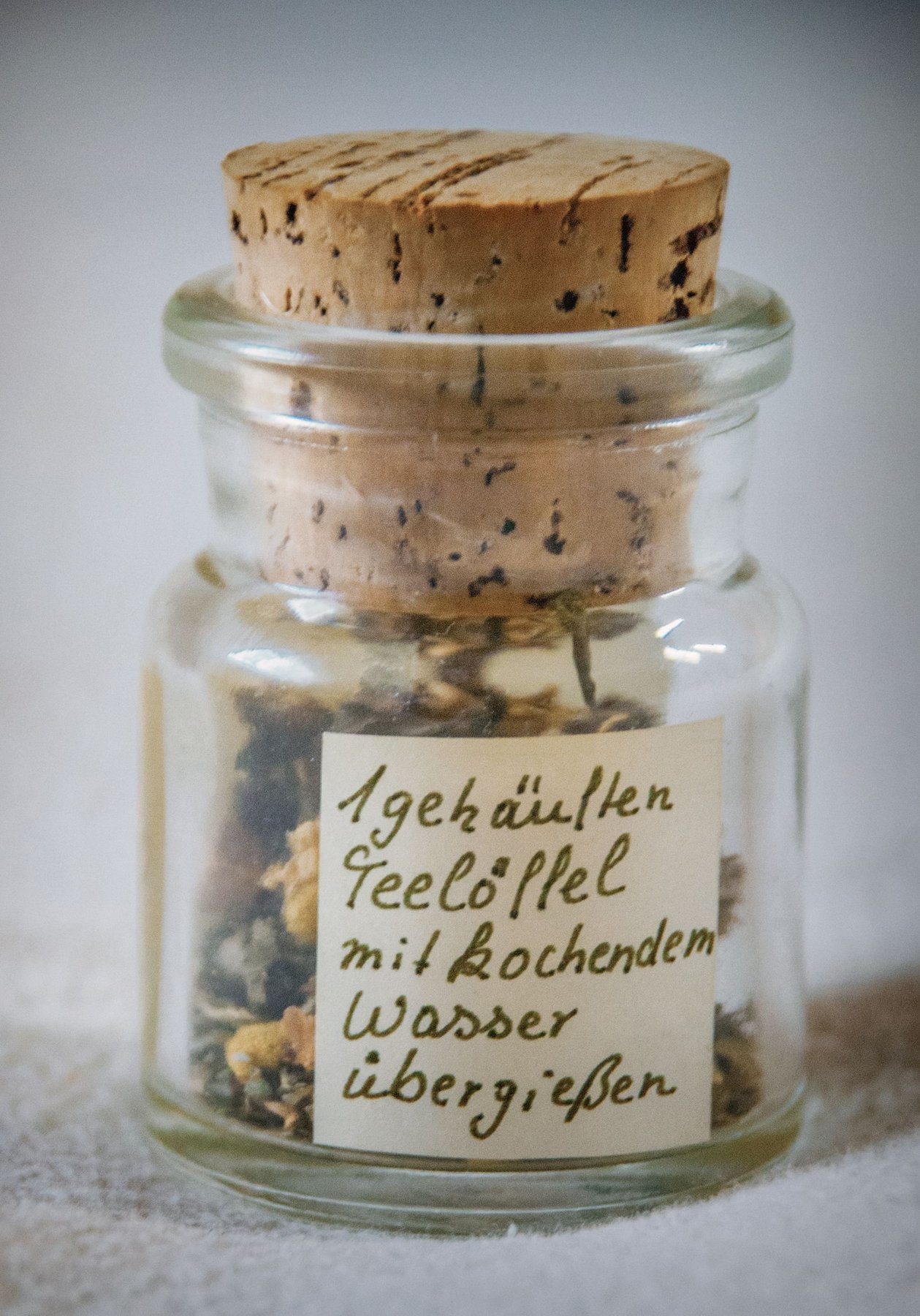
This guide explains seven specifications that turn an attractive design into a usable order. It covers both hand application and machine workflows. The reference photographs show independent examples of containers and label placement; they do not prove the label material, manufacturing method or performance of a Stowliva product.
Start by stating the label’s job. A decorative seal finishes a box or closes a wrap. A product label identifies a scent, size or ingredient list. A machine-applied retail label also needs reliable feeding, placement and barcode performance. Your supplier should know which of these roles the order must fulfill.
1. Size the label from the actual container panel
Measure the usable labeling area, including curves, seams and shoulders. A container’s overall dimensions do not tell you where the label will sit cleanly. A tall bottle may have a short straight panel; a tapered jar may need a different label shape from a cylinder.
- Use the production container, including its final coating and surface texture.
- Mark the straight or usable panel and the intended placement reference.
- Print the design at actual size and cut a paper trial to its finished outline.
- Check corners, gaps, overlaps and readability while holding the container normally.
- Confirm the shape and placement again with an adhesive sample.
A paper trial helps plan layout, but it cannot establish adhesion. Photograph the sample from the front, side and label edge, then record the width, height and corner treatment in one set of units. For wraparound designs, make the seam or gap intentional rather than leaving it to the packing team.
Keep key copy on an easily viewed panel. If a customer must turn the bottle to read instructions, check the design in that position too. Record placement from a consistent feature, such as a base edge, container seam or molded line. This gives hand packers and machine operators a repeatable reference.
2. Choose the face material and finish by exposure
Describe the conditions the label will face before choosing paper or film. The face material is the printable layer. Ink, foil, varnish or lamination adds another part of the finished construction. An attractive surface finish does not automatically make the label suitable for splashes, abrasion or refrigeration.
Avery’s roll-label material comparison distinguishes paper from particular water-resistant or waterproof film products. The useful lesson is to compare the named construction and its data. Do not transfer the performance of an Avery grade, or of any generic film category, to a different supplier’s label.
| Material or finish | Possible starting point | What to approve |
|---|---|---|
| Textured paper | Candles, gift jars and premium presentation | Fine type, foil detail, rubbing and exposure to moisture |
| White paper | Clear printed branding on dry packaging | Color, scuffing, edge behavior and actual storage conditions |
| Kraft paper | Natural-looking seals or product identification | Contrast, color appearance and small text on the brown base |
| Clear stock | A visible container with a minimal label effect | Bubbles, adhesive visibility, container color and white ink needs |
| Film construction | Applications needing specific liquid or handling resistance | Supplier data for the complete printed label and adhesive |
| Foil or raised detail | Limited decorative highlights | Registration, legibility, rubbing and applicator handling |
Stowliva’s custom product label rolls offer textured paper, print and foil options. The product information describes limited water resistance and directs buyers to request alternatives for waterproof needs. If your brief requires waterproof labels, describe the exact exposure and request a construction recommendation and samples.
Separate brief splashes from immersion, condensation, oily handling and outdoor exposure. These are different situations. For a candle label, test ordinary handling and storage around the filled jar. For a skincare container, include the moisture and product residue it is likely to encounter. Choose an approval plan that reflects the actual use.
3. Match the adhesive to the surface and temperature
State both the application conditions and the conditions after labeling. Application temperature describes the container and room when the label is placed. Service temperature describes what the labeled product experiences later. An adhesive must suit both stages.
Avery’s application guidance emphasizes a clean, dry surface, suitable room-temperature conditions and firm, even placement. It also explains that moisture and residue can interfere with bonding. Use the selected adhesive supplier’s instructions for preparation, pressure and bonding time, especially when your process differs from a standard dry-room application.
A label applied to cold, wet glass presents a different problem from a label that bonds first and enters cold storage later. Tell the supplier whether containers arrive chilled, whether condensation forms, and whether the surface contains oil, powder or a release coating. Send an actual container when a photo cannot describe the finish.
For jars, candles and perfume packs, compare textured custom labels against your curved or coated surface. Ask about available adhesive options without assuming an extra-sticky option solves every issue. Inspect corners and edges after the specified bonding period and after the intended storage cycle.

4. Approve the roll format with your applicator supplier
A roll must fit and feed through the equipment you actually use. Have the machine supplier approve the specification before printing. Core inner diameter, maximum roll outer diameter, liner width, label gap or pitch, and unwind direction should appear on the order record.
Avery’s unwind-direction guide explains why orientation matters for machine application and dispensing. Confirm whether labels wind inside or outside and which artwork edge leads as the web comes off the roll. Use a diagram showing the printed face, feed direction and leading edge; a number alone can be misunderstood.
| Roll detail | Approval question |
|---|---|
| Core inner diameter | Does the core fit the approved spindle or mandrel? |
| Maximum outer diameter | Will a full production roll clear the machine and loading area? |
| Liner width | Does the web align with guides and the approved feed path? |
| Gap or pitch | Will spacing work with the sensor and feeding setup? |
| Winding and leading edge | Does the label reach the container in the intended orientation? |
| Sample roll | Has the finished construction been run on the actual equipment? |
For Pantone-printed sticker rolls, discuss the offered core options and print colors as part of the same brief. An available core dimension does not by itself prove machine compatibility. Ask the supplier to confirm the other roll details against your equipment requirements.
If you apply labels by hand, choose a workable roll size and dispensing setup for the packing station. Test peeling, placement and how staff handle several designs. If you expect to automate later, discuss the future machine specification before ordering a large inventory that may need reformatting.
5. Set up bleed, safe space and finish layers
Keep essential text away from the cut and extend edge artwork into the required bleed. Bleed covers small changes in trimming position. A safe area protects logos, copy and symbols inside the final outline. Ask the printer to provide the production template and required tolerances.
Adobe’s InDesign bleed guidance describes artwork extending beyond the trim and settings for output. The printer’s specific requirements decide your file setup. Avoid using a generic bleed value without checking the label construction and print process.
Thin borders near the edge make normal cut movement easier to see. Tiny reversed lettering may lose clarity on textured stock. Foil and raised details need their own artwork instructions and approval. Review a finished sample under normal lighting because a screen cannot reproduce metallic reflection or the feel of the paper.
For straightforward repeated branding, compare printed sticker rolls. Keep a simple print option in the comparison if it meets the brand goal with fewer finish steps. The approval should record both the visual result and the construction that produced it.
6. Protect barcode space and check printed performance
Plan the barcode before filling the remaining artwork space. The symbol, blank space around it and print conditions affect scanning. A code that works on a monitor may fail after printing, finishing or curving around a container.
GS1’s ten-step barcode guide covers symbol selection, dimensions, color, positioning and quality planning. It calls for suitable contrast and clear quiet zones. Choose requirements appropriate to the barcode and scanning environment, then check the final printed label on the container.
Keep patterns, borders and foil clear of the required quiet zones. Review the code in its final position, especially on a curved jar or reflective finish. Test with the relevant retail or warehouse equipment; where formal verification is required, arrange it through the appropriate provider. A successful phone scan is only a limited check.
Each meaningful variation needs review. A shorter jar, darker label or changed barcode size may alter the outcome. Keep the barcode artwork, human-readable numbers, proof and results attached to the matching SKU so the production team does not accidentally substitute one version for another.
7. Confirm quantities and proofs for every SKU
Use one approval matrix linking each design to its quantity, material and roll format. A scent, shade or size variant can share the construction while needing a separate artwork proof. Check that the quantities add up to your purchase order before production begins.
Record the design name, revision, barcode, label size, finish, quantity and delivery grouping. Decide whether designs arrive on separate rolls and how cartons will identify them. Keep the approved physical sample and PDF proof together. For a reorder, compare the material code and artwork revision instead of relying on an old photograph.
If you have many small designs for hand application, compare multi-design sticker sheets. If a natural-looking paper finish suits the brief, also consider kraft paper stickers. Choose the format around usable quantities and packing work rather than assuming rolls always cost less.
Any environmental wording must match the finished item and evidence. The FTC Green Guides summary cautions against broad, unqualified claims and explains support and qualification for specific claims. Treat the printed label, adhesive, liner and container as components whose disposal instructions may differ.
Compare cost per successfully labeled unit
Measure usable labels and application work, not just the quoted unit price. Here is a hypothetical calculation, not a quotation or a predicted reject rate. If a label costs $0.08 and a measured trial produces 96 successful applications out of 100, label cost per successful application is $0.08 ÷ 0.96 = about $0.0833.
A second option at $0.09 with 99 successful applications out of 100 costs about $0.0909 per successful application before labor. It still has a higher label-only cost in this example. Compare measured packing time, stops, replacement labels, wasted containers and landed cost before deciding whether the higher specification is worthwhile.
Use the same container, operator or machine settings and inspection rules for a fair trial. Record why an application fails. A wrong orientation needs a different fix from poor adhesion or unreadable copy, so combine cost observations with the specific production issue.
Send Stowliva a complete roll label brief
Include the production method alongside the brand artwork. Send container photos or samples, final label size, quantity per SKU, exposure conditions and any machine requirements through the Stowliva project form.
- Container material, coating, surface and usable panel dimensions.
- Label role, shape, size and placement reference.
- Face material, print colors, finish and adhesive needs.
- Application and service conditions, including liquids or cold storage.
- Core, outer diameter, liner width, gap or pitch, winding and leading-edge diagram.
- Artwork files, barcode requirements and revision numbers.
- Quantity per design, packing identification and destination.
- Physical sample, machine trial and claim-documentation approval plan.
The result should be a repeatable specification: a label that looks right, fits its container and works in the intended packing process. Keep that approved record with the order so your next production run starts from confirmed details.
Custom Roll Labels: frequently asked questions
What information do I need to order custom roll labels?
Supply the container panel size, material and surface; label dimensions; use conditions; artwork; quantity per design; and the applicator’s approved core, roll diameter, liner, gap and unwind requirements.
Do all label machines use the same unwind direction?
No. Confirm inside or outside winding and the artwork edge that leads off the roll with your machine supplier. Approve a physical sample or diagram instead of relying only on a numbered convention.
Are paper roll labels waterproof?
Do not assume so. The face material, print, finish and adhesive must all suit the actual exposure. Request relevant data and test the finished label on the real container.
Are rolls better than sheets for a small brand?
Rolls can suit repeat application and dispensing when the specification is approved. Sheets may be practical for multiple small designs or hand application. Compare the complete workflow and usable quantity for each SKU.
About this guide: Prepared by Stowliva Editorial using the linked references, reviewed October 14, 2026. Reference photographs show independent applications. Confirm specifications for the selected order.